Skip to content
RescueSoft

Dive logging built for public safety dive teams.

Log dives in real time, keep every diver on the clock, and produce reports without paper forms or spreadsheets.

From water to report, in one place

Paper and spreadsheets scatter data

Dive records end up in binders, photos and files nobody can search.

Timing matters in the water

Per-diver timers and elapsed-time alerts keep the team on the clock.

Reports take hours

Monthly and yearly reports come straight from the dive records.

What OpsLogger does

Real-time dive log

Per-diver timers and timestamped entries while the dive is happening, not after.

ERDI and PADI PSD templates

Start from standard public safety dive forms, then customize them to your team.

Boat log and search patterns

Live route on the map and sonar search patterns recorded with the dive.

Smoke and chemical dives

Elapsed-time alerts and exposure tracking for contaminated-water and smoke dives.

Map view

See dives and sites on a map, color-coded by dive type.

PDF and CSV reports

Monthly and yearly reports, downloaded as PDF or CSV, with statistics built in.

Scene documentation for law enforcement

Police, sheriffs and other law enforcement can document a case or incident scene digitally on site: sketch the area on the map, measure areas and lengths, and show a grid.

Learn more

See it in action

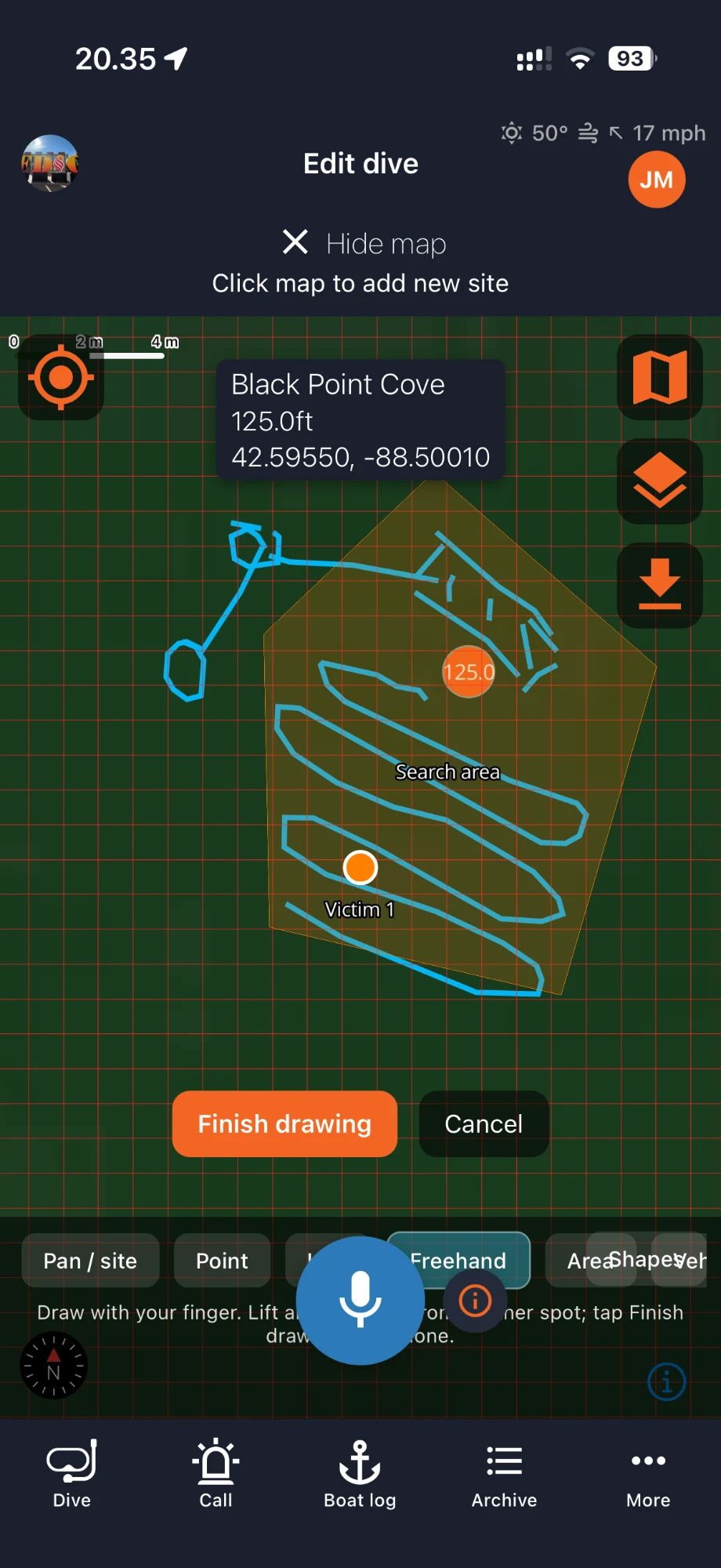
OpsLogger map showing a drawn search area, a victim marker and the recorded search pattern
Draw the search area, mark the victim and keep the search pattern on the map.
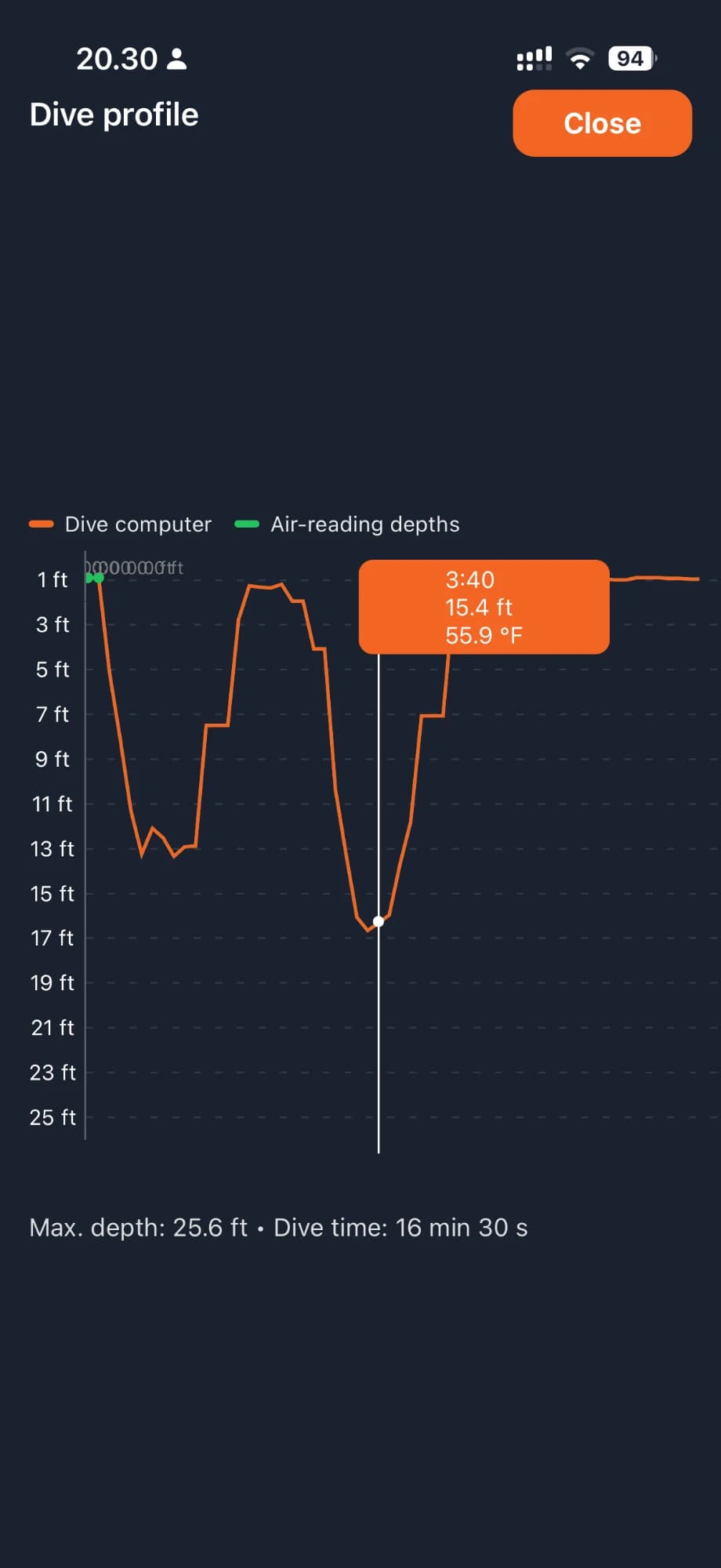
OpsLogger dive profile chart with depth over time, max depth and dive time
The dive profile from the dive computer, with max depth and dive time.
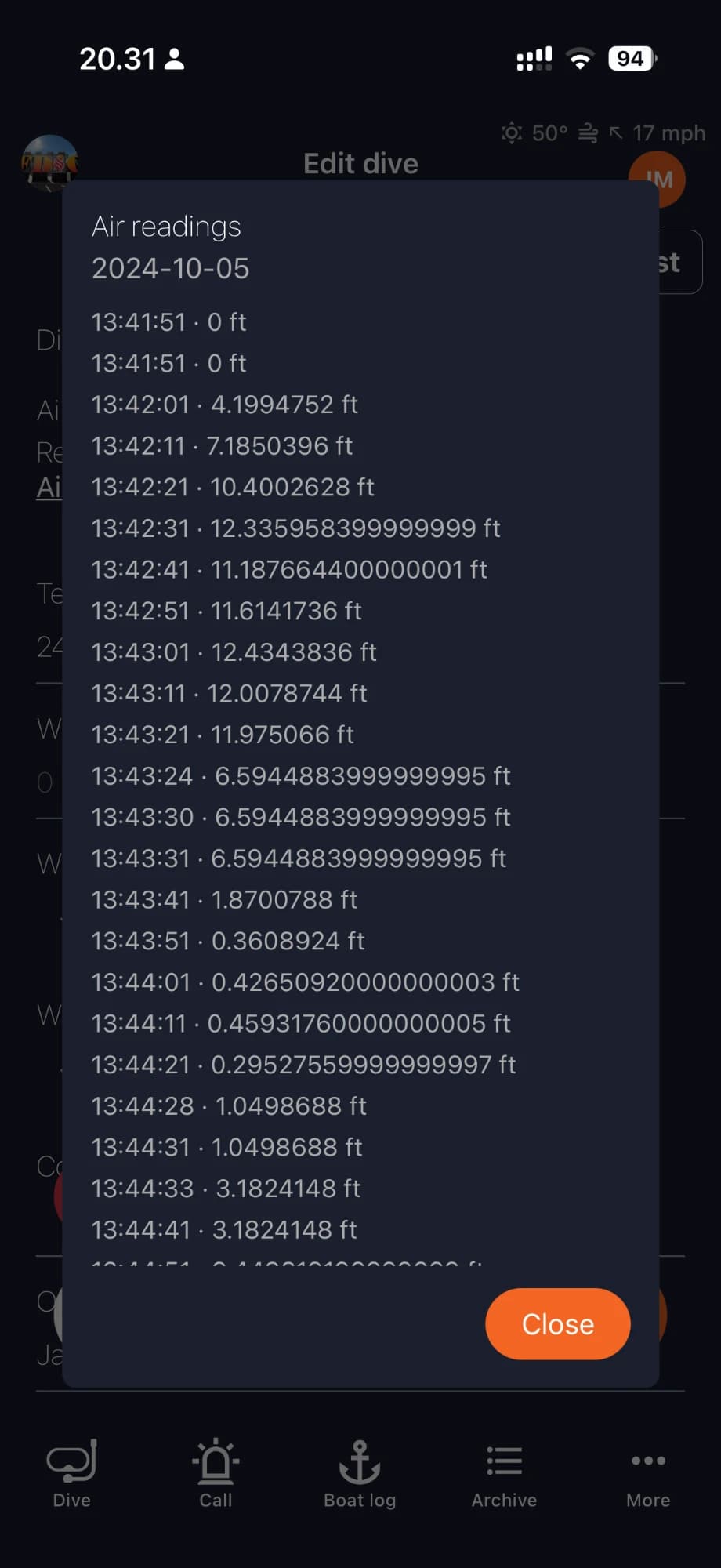
OpsLogger list of timestamped air/depth readings for a dive
Timestamped air/depth readings for the dive.
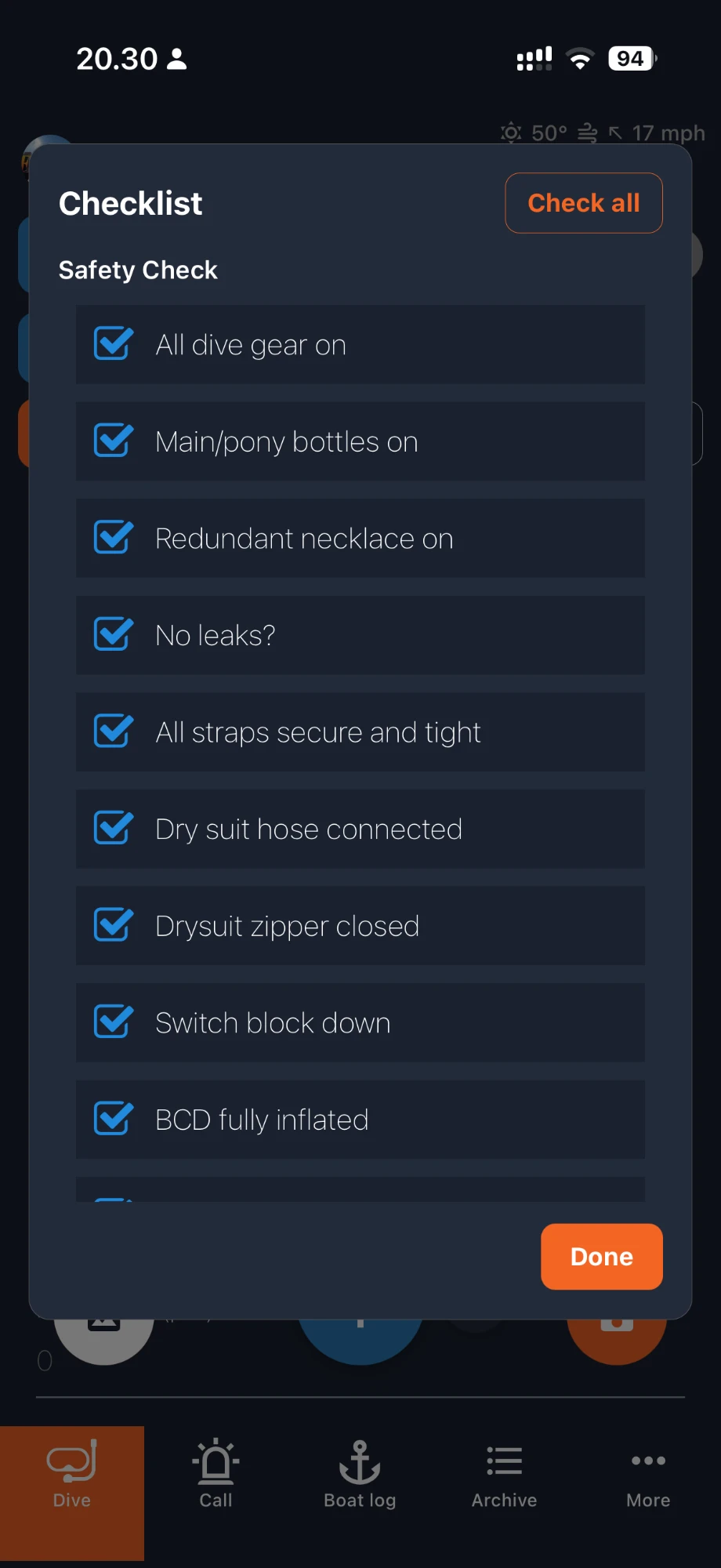
OpsLogger safety checklist with items such as all dive gear on and no leaks
Run the safety checklist before the dive and tick it off in the app.
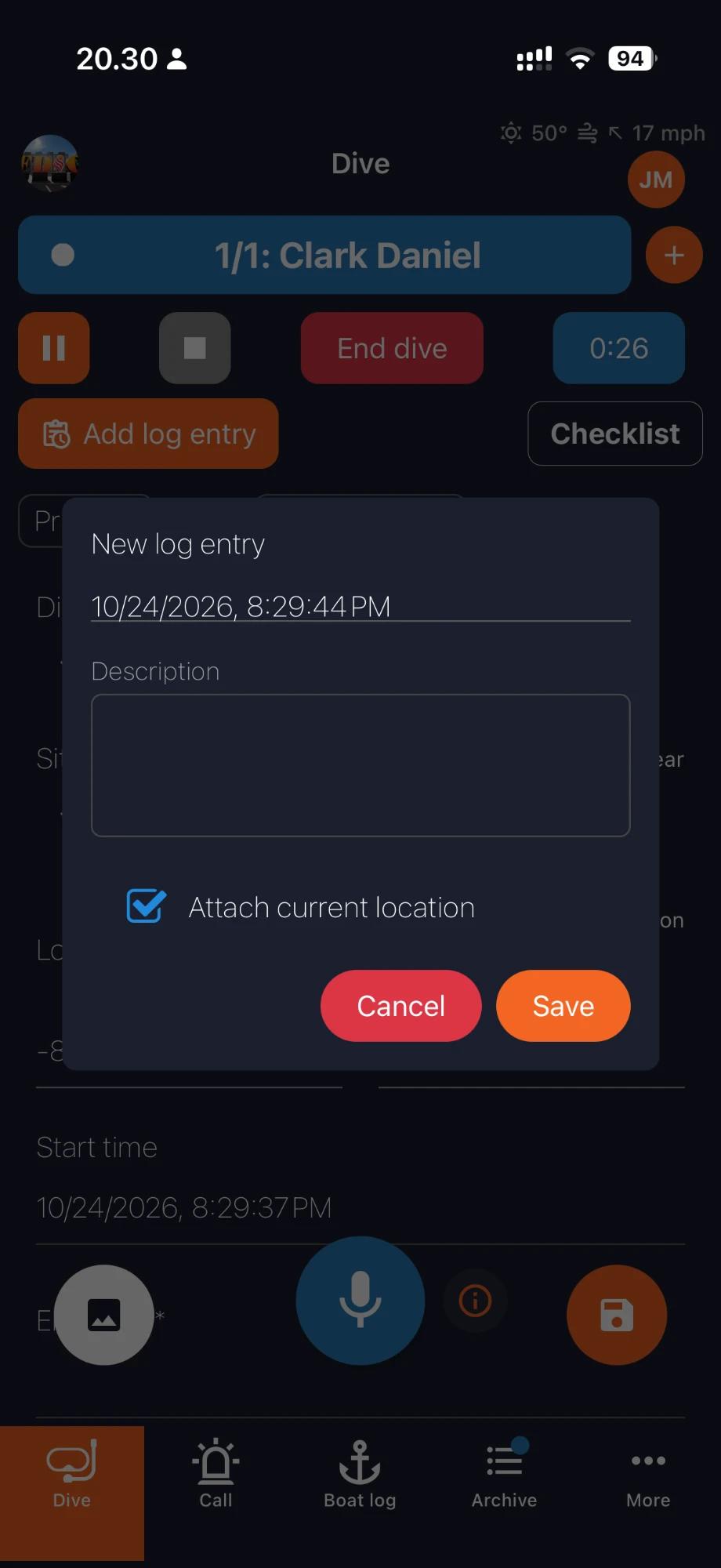
OpsLogger new log entry dialog with timestamp, description and attach location option
Timestamped log entries, with the current location attached if you want it.
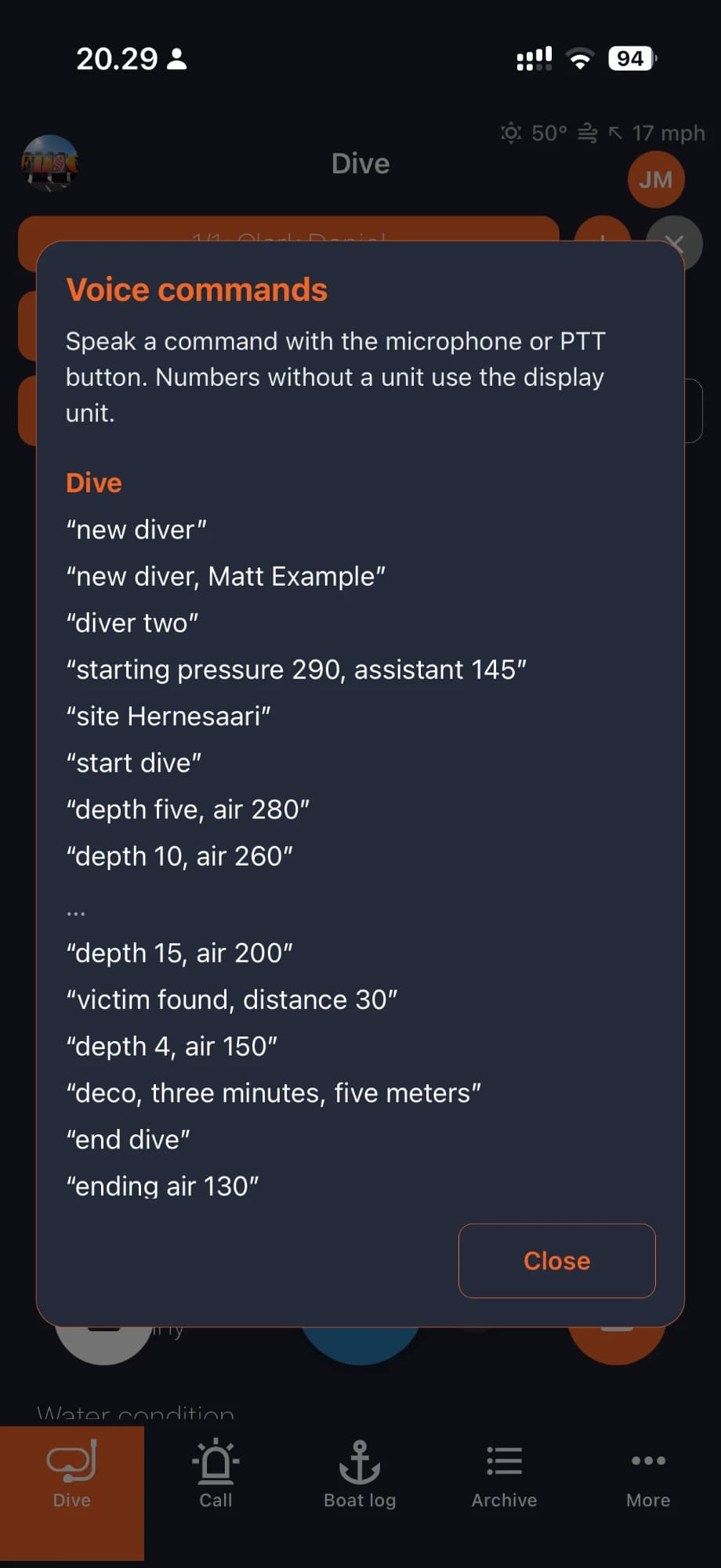
OpsLogger voice commands help listing example commands such as new diver and start dive
Speak commands and notes instead of typing.
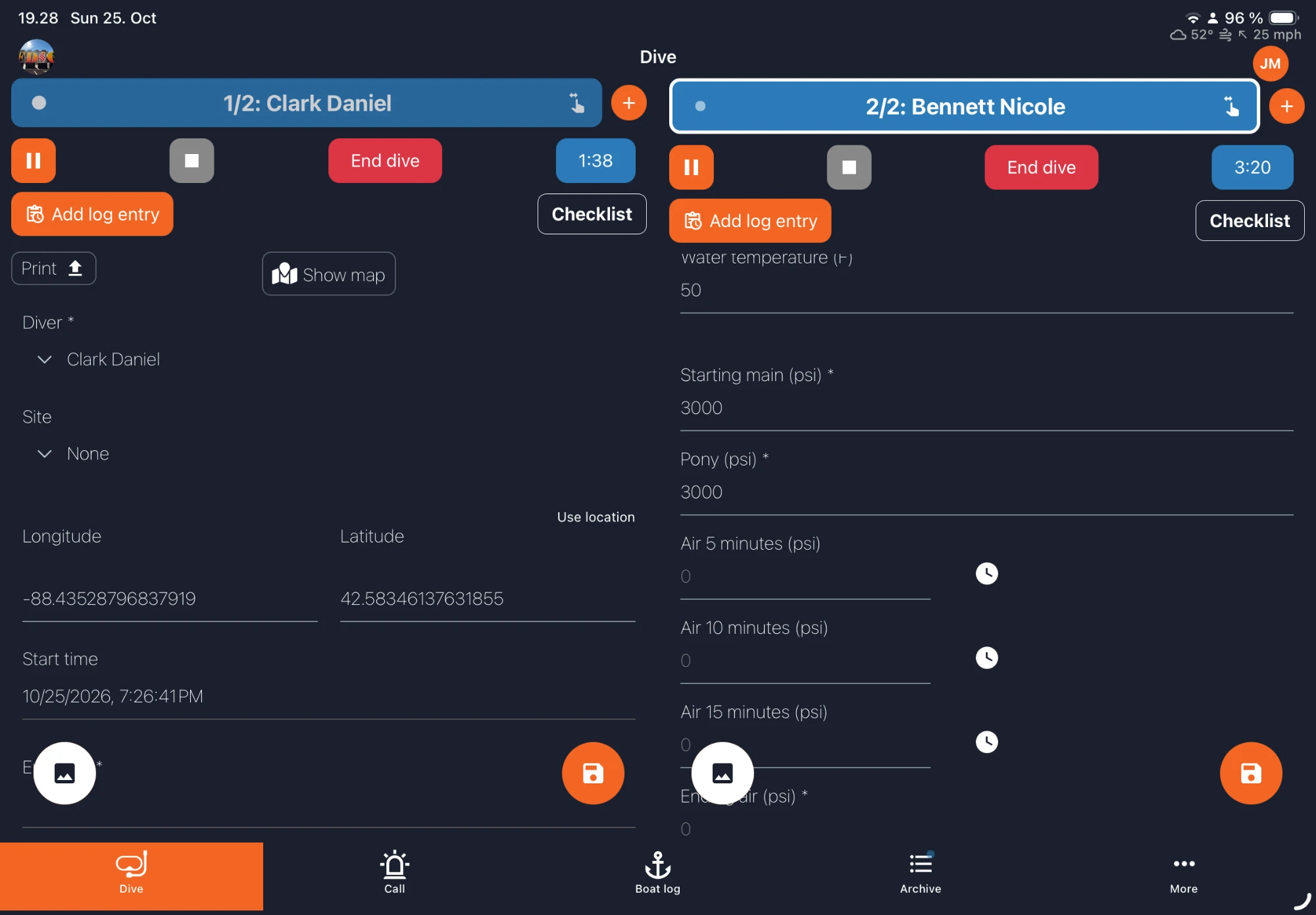
OpsLogger on a tablet with two divers logged side by side, each with its own timer and form
Log several divers side by side on a tablet, each with their own timer.
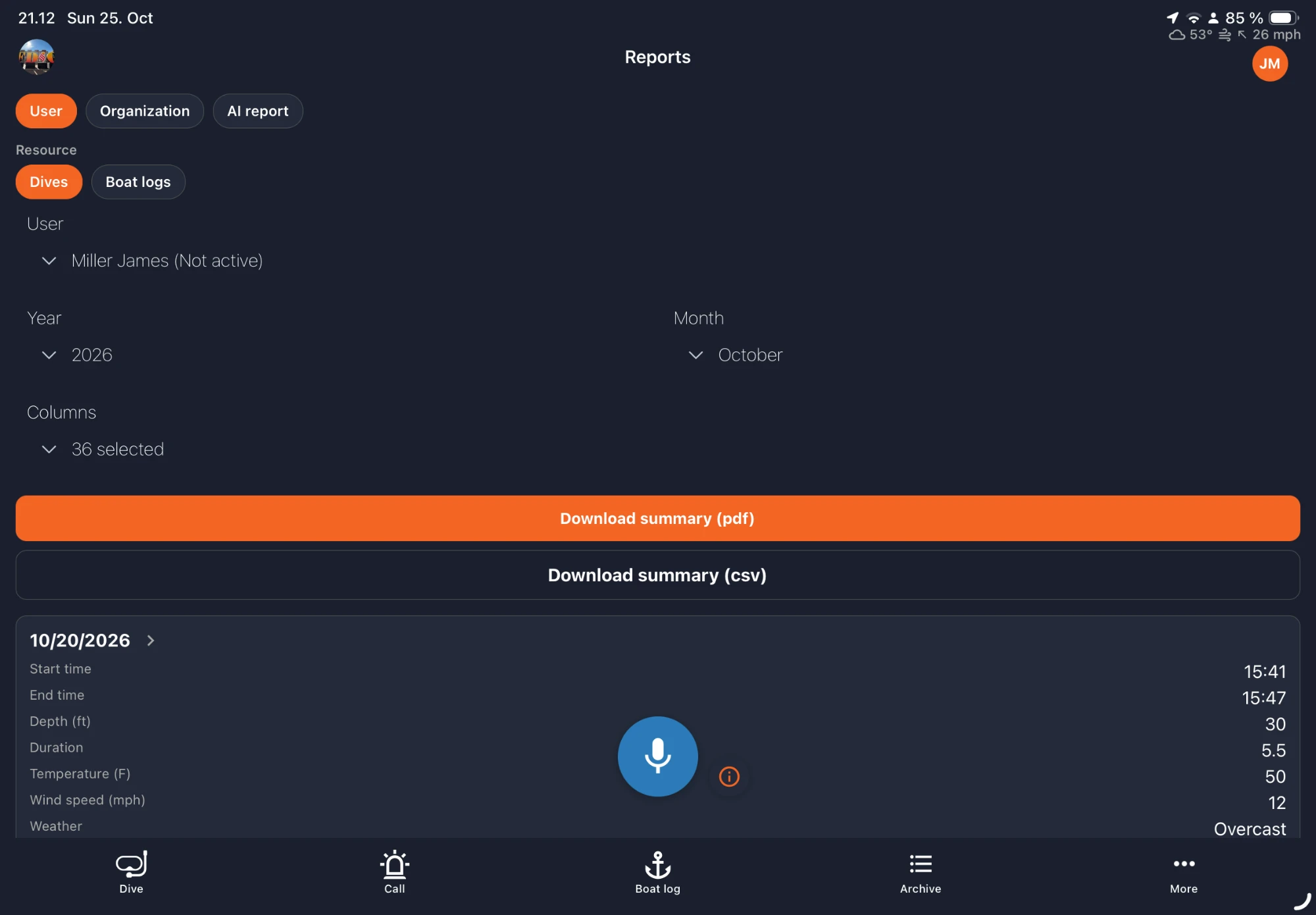
OpsLogger reports screen on a tablet with user, resource, year, month and column selection and download buttons
Choose the user, month and columns, then download the summary.
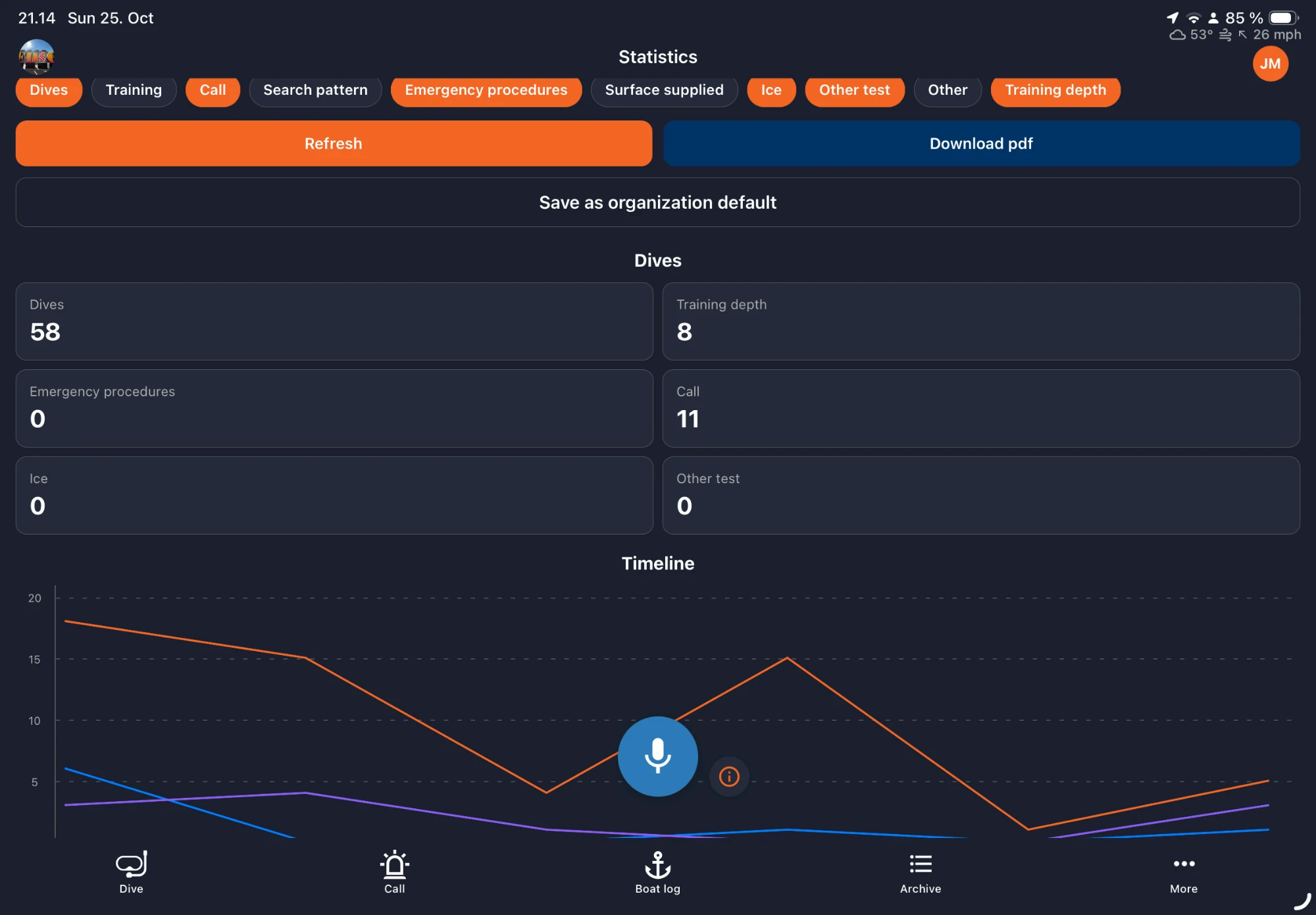
OpsLogger statistics screen on a tablet with dive counts by type and a timeline chart
Dive counts by type and a timeline of your team's activity.

Works where your team works

From the water's edge to the station, OpsLogger goes where the dive goes.

Platforms

iOS, Android (Google Play) and web
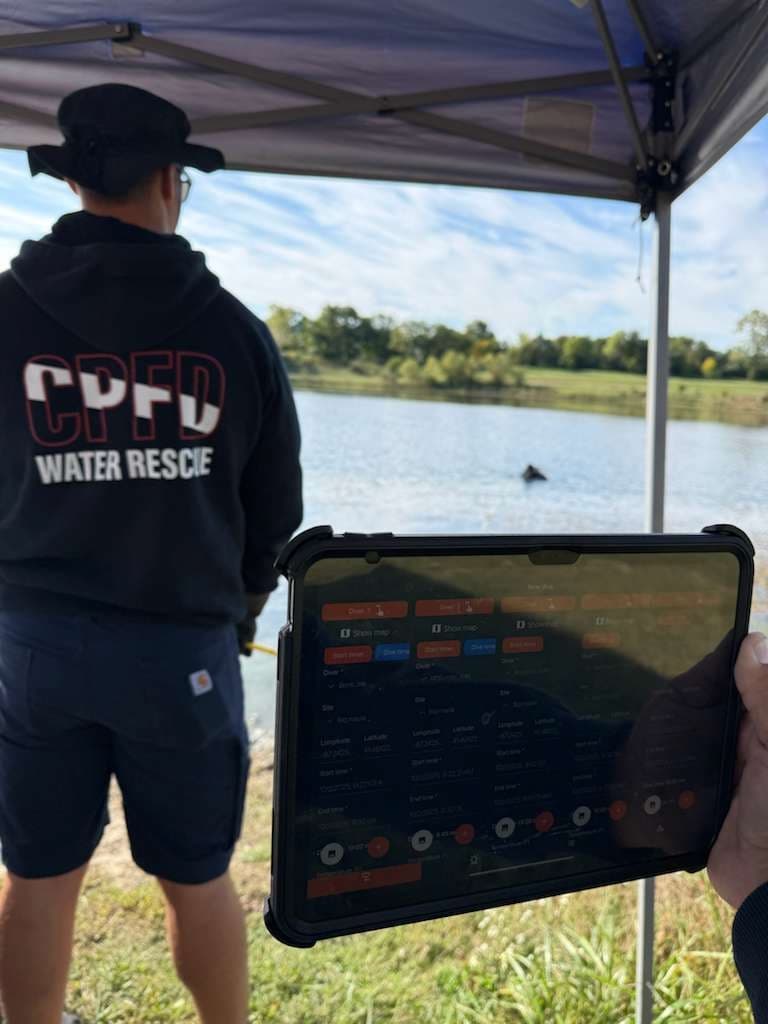
A water rescue team member watches a diver in a lake while a tablet running OpsLogger is held in the foreground

See OpsLogger with your team's workflow.

We reply within 1 business day.